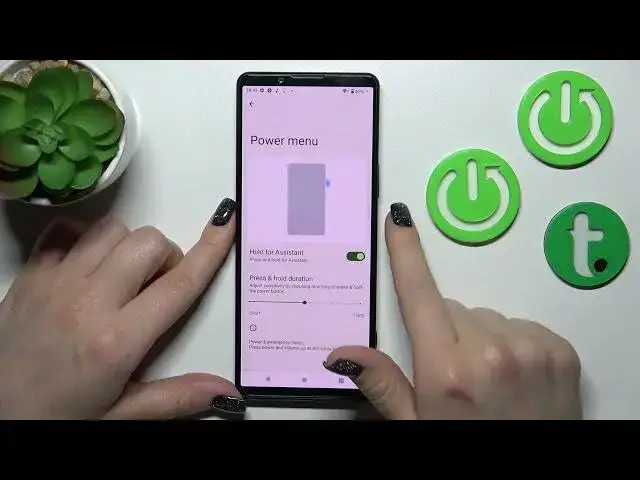

How to Assign Google Assistant to Key in Sony Xperia 5 IV - Unlink Google Assistant from Button
Jul 27, 2024

Check out more information about Sony Xperia 5 IV: https://www.hardreset.info/devices/sony/sony-xperia-5-iv/tutorials/
In this video, we'll show you how to properly assign your Google Assistant to Power Key, making it much easier to open with a single tap! However, if you find this option unpleasant and need to disable it, we will assist you as well. So, watch this tutorial to find out how to instantly Link or Unlink this Google feature from your button in Sony Xperia 5 IV. Let's get started!
How to Change Button Shortcuts in SONY XPERIA 5 IV? How to Assign the App to the Button on SONY XPERIA 5 IV? How to Link Google Assistant to the Power Button in SONY XPERIA 5 IV? How to Unlink Google Assistant from a Power Key in SONY XPERIA 5 IV?
#SonyXperia5IV #AssignGoogleAssistantToButton #UnlinkGoogleAssistantFromButton
Follow us on Instagram ► https://www.instagram.com/hardreset.info
Like us on Facebook ► https://www.facebook.com/hardresetinfo/
Tweet us on Twitter ► https://twitter.com/HardResetI
Support us on TikTok ►https://tiktok.com/@hardreset.info
Use Reset Guides for many popular Apps ► https://www.hardreset.info/apps/apps/
Show More Show Less