0:00
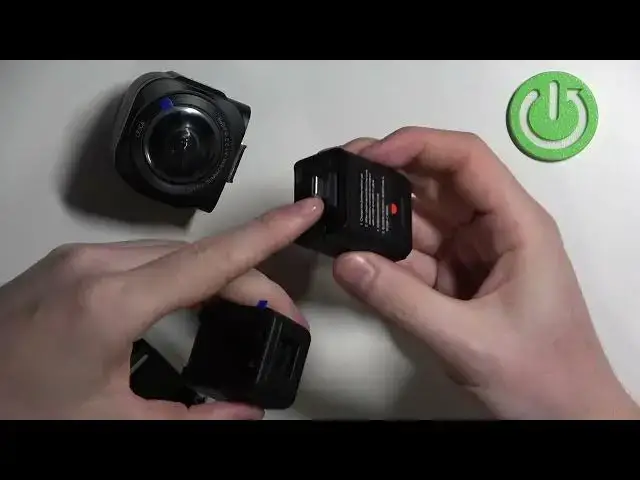
Hello! In this video I want to show you how to disassemble and assemble Insta360 ONE RS
0:10
So this is one inch 360 edition also and to do this first locate these two buttons
0:17
There's one right here and the second on the left side. We'll need to press and hold them
0:23
Now push the camera upwards to remove it like this. Put it on the side and now we have the camera disassembled. Now let's move on to the rest of the handle
0:40
So here we can open this USB slot right here on the bottom. Use your fingernail or something else
0:46
to open it. Now we can slide down this handle like this and that's also everything for the handle
0:56
Now the last tip for disassembling is to remove the battery. This thing right here with a screen. Simply use a bit of the force to disconnect it like this
1:12
So that's how you disassemble this device. Now let's try assembling it again
1:16
So now we need to connect this into the USB slot like that. Simply plug it in and we have this part assembled
1:29
Now we can move to the handle. Simply put and slide it into the handle. Make sure that USB is locked
1:37
Now we can't remove it because this one prevents it. The last thing is to attach the camera
1:44
Hold this two things, the same buttons you detached them. Hold them again and put them on the
1:54
spot like this. Make sure that it's connected on both of the sides
1:58
And that's it for this video. Hope you like it. Please consider subscribing to our channel
2:02
Leave a like and a comment below. you