0:00
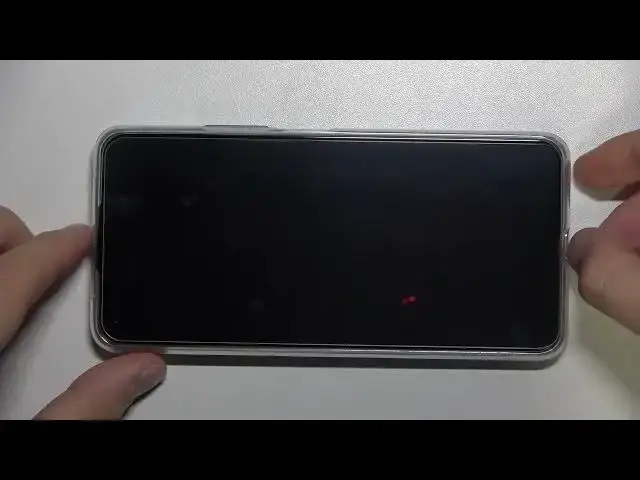
Welcome today I am with Xiaomi 11 Lite 5G N
0:04
And I will show you how can install temperate glass on display in this smartphone
0:12
So let me just zoom in a little bit. Let's show you how it looks a little bit closer
0:19
Okay and at first you can find this default foil that is factory install on the screen
0:26
So this foil protect our smartphone from scratches. you can leave this foil on the screen, but you can also remove it
0:32
You can decide what you want to get. Honestly, I'm going to improve protection of the display
0:37
so I'm going to leave that foil and apply on that foil the temperate glass
0:42
So, when you open the box with the temperate glass, you will find for sure this glass and also additional tools
0:55
We can find two wipes, wet and dry. At the first we are going to use this one, the wet one
1:03
So just open it quickly and you have to clean this foil
1:10
You have to remove fingerprints and other greasy marks. So we can make it quickly after a few moves everything will disappear So right now we have to remove this wet marks from the screen So we have to use the dry wipe and just do the same
1:39
Just remember to reach a very corner and edge. Okay and as you can see right now it's finished
1:51
You can also just take look on the screen and be sure that there is no any kind of the dust on the screen because when you leave any piece of the dust
2:00
and apply glass on that dust there is a big chance that you will find the air bubbles
2:08
so we don't want to get it right next you have to start with applying glass so we have to
2:14
remove this sticker this one let me just catch focus okay so just remove it like that
2:21
Oh, as you can see in my case, this sticker doesn't follow with this foil that is attached right here
2:30
So how you can remove it manually? Just put your fingernail to one of the edge like that and remove it
2:39
Do it slowly. Right now, just take a look one more time on your display
2:45
and then just put the glass like that. You have to keep holding the bottom part and try to put in the good position for upper section of the screen
3:06
Oh, I just leave the glass, we can rise. Okay, just do it one more time, there's my bed
3:15
So, just put it evidently for the both edges. Like that, for example
3:21
keep holding here, press with your finger. and put the bottom part
3:36
Right now it will go automatically. So we can just press for example right here
3:45
If something is not going well like in my case I just put it a little bit too lower so we can
3:55
Put it like that a little bit higher and then press here on the middle one more time and put the bottom part
4:04
Right now everything will be fine. Take look. We can swipe with our finger
4:18
Okay, and there it is. Okay, and right now, under the glass you will find this kind of
4:25
glue marks I hope that you can see it So how we can remove it Take a look You have to just simply press on it and it will just disappear Take look As you can see it very simple So I going
4:37
to make it right now for the whole screen. So just start. As you can see, that's a lot of these marks
4:44
but we are going to remove most of them with this simple method
4:55
Okay, and as you can see right now, we easily get rid of most of these marks
5:05
A few of them are still here. If they not disappear, don't worry, they will after a few days
5:13
And as can see right now, we finally can use our screen
5:17
So let me just turn it on. And as you can see right now, there is no any problem with the touch interaction
5:23
even that we have here on the foil and the temperate glass. So you don't have to be afraid of applying glass on your phone
5:29
of your phone display because it's not affect the display sensitivity. And yeah, that's how we can apply temperate glass
5:40
on the Xiaomi 11 light 5G and E step by step. If you'll find this video helpful, remember to love a like, comment and subscribe