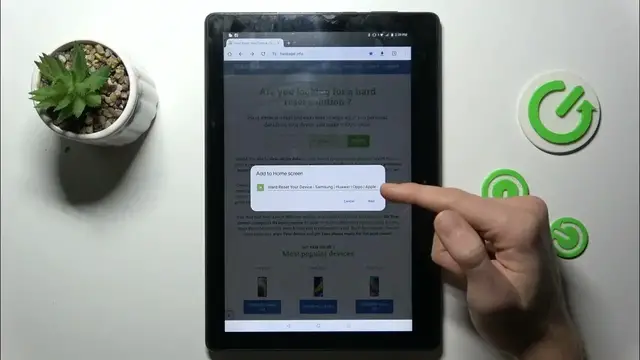

How to Add Website Shortcut Icon to Home Screen on Lenovo Tab E10
Jan 18, 2024

Find out more : https://www.hardreset.info/devices/lenovo/lenovo-tab-e10/tutorials/
Simplify your web browsing on the Lenovo Tab E10 by learning how to add a website shortcut icon to your home screen. This brief video tutorial guides you through the steps, enabling you to create quick and direct access to your favorite websites right from the home screen. Watch and empower yourself with the knowledge to optimize your browsing experience.
How do I add a website shortcut to the home screen on my Lenovo Tab E10 for quick access?
Can I customize the shortcut icon for a personalized touch?
Are there specific settings or configurations I need to consider when adding shortcuts?
Can I organize and manage multiple website shortcuts on my home screen?
What benefits does adding website shortcuts offer for efficient web browsing on the Lenovo Tab E10?
#lenovotab #lenovotablet #LenovoTabE10
Follow us on Instagram ► https://www.instagram.com/hardreset.info
Like us on Facebook ► https://www.facebook.com/hardresetinfo/
Tweet us on Twitter ► https://twitter.com/HardResetI
Support us on TikTok ► https://www.tiktok.com/@hardreset.info
Use Reset Guides for many popular Apps ► https://www.hardreset.info/apps/apps/
Show More Show Less