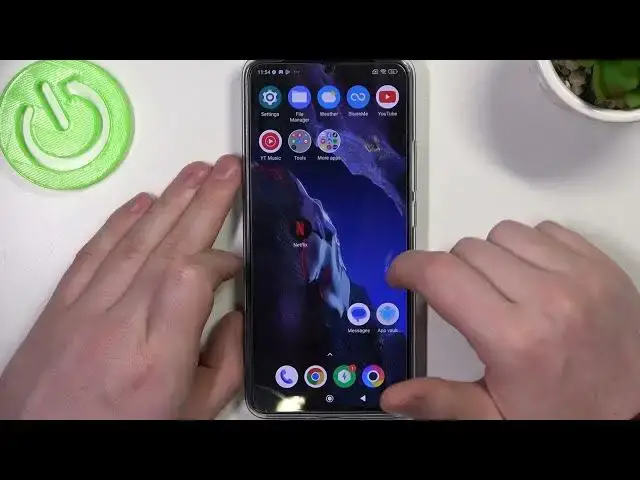

How to Add Web Icon to Home Screen in POCO F5 Pro – Add Web Page Shortcut
Mar 17, 2024

Learn more info about POCO F5 Pro:
https://www.hardreset.info/devices/poco/poco-f5-pro/tutorials/
Do you have your favourite page, and you'd like to have much faster access to it in your POCO F5 Pro? No worries, it's a piece of cake! In this tutorial we would like to show you how easily you can create the web page icon, which then you can apply to a home screen. Thanks to this, just by tapping on it, you'll open your favourite page! So let's follow all shown steps and successfully add web icon to home screen.
How to add web icon to home screen in POCO F5 Pro? How to create web page shortcut in POCO F5 Pro? How to create web page icon in POCO F5 Pro? How to add web shortcut to home screen in POCO F5 Pro?
#WebIcon #WebShortcut # POCOF5Pro
Follow us on Instagram ► https://www.instagram.com/hardreset.info
Like us on Facebook ► https://www.facebook.com/hardresetinfo/
Tweet us on Twitter ► https://twitter.com/HardResetI
Support us on TikTok ► https://www.tiktok.com/@hardreset.info
Use Reset Guides for many popular Apps ► https://www.hardreset.info/apps/apps/
Show More Show Less