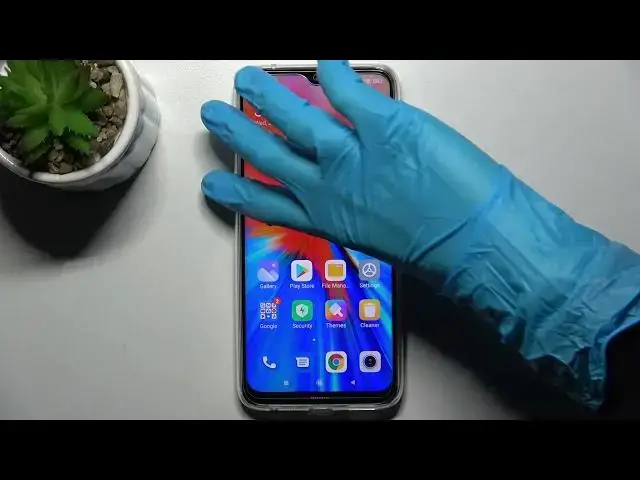

How to Add Screen Lock on XIAOMI Redmi Note 8 2021 - Enable the Lock Screen
Apr 7, 2024

XIAOMI Redmi Note 8 2021 Tutorials:
https://www.hardreset.info/devices/xiaomi/xiaomi-redmi-note-8-2021/
Welcome to our another tutorial on how to activate the lock screen on your XIAOMI Redmi Note 8 2021. If you wish your XIAOMI Redmi Note 8 2021 to be unlocked by going through the screen lock then be sure to carefully follow the instructions presented in this video tutorial. With the help of our specialist, you will quickly learn how to add the screen lock on your XIAOMI Redmi Note 8 2021. Simply repeat the steps on your smartphone and enable the lock screen. Visit our HardReset.info YT channel to discover other features of your XIAOMI smartphone.
How to add the screen lock on XIAOMI Redmi Note 8 2021? How to add the lock screen on XIAOMI Redmi Note 8 2021? How to enable the screen lock on XIAOMI Redmi Note 8 2021? How to enable the lock screen on XIAOMI Redmi Note 8 2021? How to create the screen lock on XIAOMI Redmi Note 8 2021? How to create the lock screen on XIAOMI Redmi Note 8 2021? How to set up the screen lock on XIAOMI Redmi Note 8 2021? How to set up the lock screen on XIAOMI Redmi Note 8 2021? How to activate the screen lock on XIAOMI Redmi Note 8 2021? How to activate the lock screen on XIAOMI Redmi Note 8 2021?
#ScreenLock #AddLockScreen #XIAOMIRedmiNote82021
Follow us on Instagram ► https://www.instagram.com/hardreset.info
Like us on Facebook ► https://www.facebook.com/hardresetinfo/
Tweet us on Twitter ► https://twitter.com/HardResetI
Support us on TikTok ► https://www.tiktok.com/@hardreset.info
Use Reset Guides for many popular Apps ► https://www.hardreset.info/apps/apps/
Show More Show Less