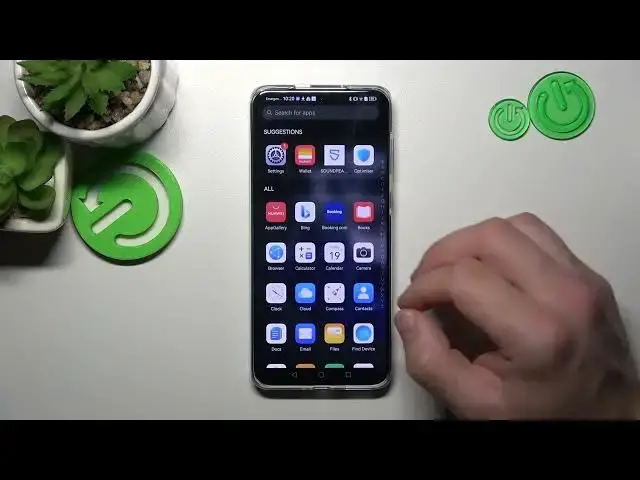

How To Add & Remove Phone Dialer Icon in Huawei P60 Pro
Aug 1, 2024

Check more info about Huawei P60 Pro : https://www.hardreset.info/devices/huawei/huawei-p60-pro/tutorials/
In this video tutorial, discover how to add or remove the Phone Dialer icon on your Huawei P60 Pro's home screen. Having quick access to the phone dialer can be convenient for making calls without navigating through menus. Learn how to easily add the Phone Dialer icon to your home screen for easy access, as well as remove it if you prefer a clutter-free interface. Watch this video and customize your Huawei P60 Pro's home screen to suit your preferences.
Huawei P60 Pro Phone Dialer icon tutorial
Add Phone Dialer icon to home screen on Huawei P60 Pro
Remove Phone Dialer icon from Huawei P60 Pro home screen
Customize home screen on Huawei P60 Pro
Personalize Huawei P60 Pro home screen
Quick access to phone dialer on Huawei P60 Pro
#HuaweiP60Pro #Phone #dialer
Follow us on Instagram ► https://www.instagram.com/hardreset.info
Like us on Facebook ► https://www.facebook.com/hardresetinfo/
Tweet us on Twitter ► https://twitter.com/HardResetI
Support us on TikTok ► https://www.tiktok.com/@hardreset.info
Use Reset Guides for many popular Apps ► https://www.hardreset.info/apps/apps/
Show More Show Less