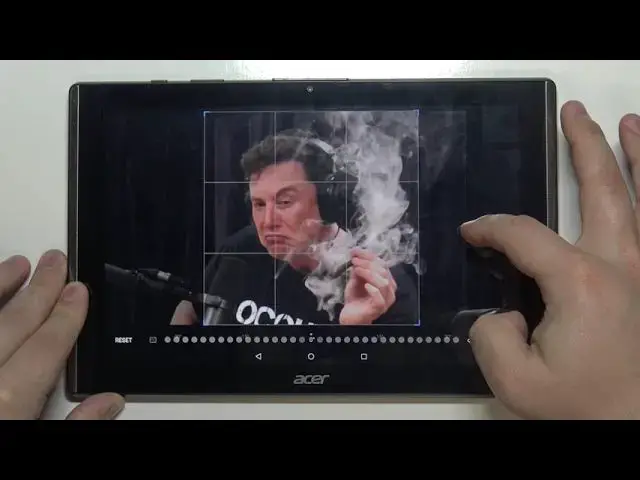

How to Add Profile Picture to Contact in ACER B3-A40 Iconia One 10 – Personalize Contacts
Jul 9, 2024

Learn more about ACER B3-A40 Iconia One 10
https://www.hardreset.info/devices/acer/acer-b3-a40-iconia-one-10/
Did you know that you can quickly and easily personalize your contact list on your ACER B3-A40 Iconia One 10? We would like to show you how to add photos to contacts in ACER B3-A40 Iconia One 10. We will show you how to open and edit a contact profile how to successfully set up a profile photo of contact. Take the opportunity and follow our instructions.
How to Add Profile Picture to Contact in ACER B3-A40 Iconia One 10? How to Add Picture to Contact in ACER B3-A40 Iconia One 10? How to Add Contact Picture in ACER B3-A40 Iconia One 10? How to Personalize Contacts in ACER B3-A40 Iconia One 10? How to find Contacts Settings in ACER B3-A40 Iconia One 10? How to Change Contact Photo in ACER B3-A40 Iconia One 10? How to Change Contacts Settings in ACER B3-A40 Iconia One 10? How to Open Contacts Settings in ACER B3-A40 Iconia One 10? How to Customize Contacts in ACER B3-A40 Iconia One 10?
#PersonalizeContacts #ContactsSettings #ACERB3A40IconiaOne10
Follow us on Instagram ► https://www.instagram.com/hardreset.info
Like us on Facebook ► https://www.facebook.com/hardresetinfo/
Tweet us on Twitter ► https://twitter.com/HardResetI
Support us on TikTok ► https://www.tiktok.com/@hardreset.info
Use Reset Guides for many popular Apps ► https://www.hardreset.info/apps/apps/
Show More Show Less