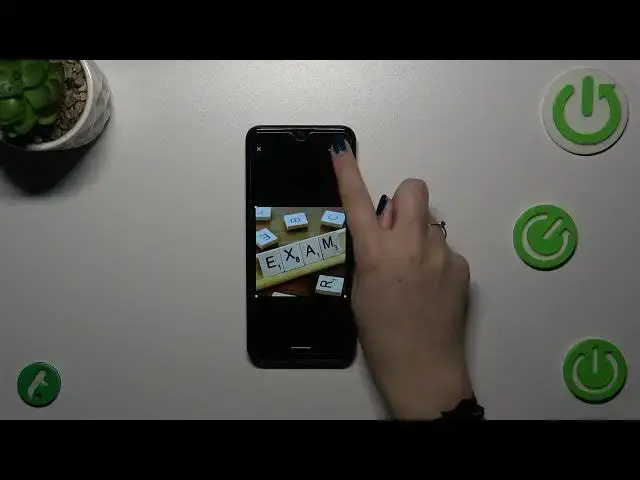

How To Add Photos To Contacts In ZTE Blade A53 +
Aug 4, 2024

You Can Read More Tutorials About ZTE Blade A53+ On : https://www.hardreset.info/devices/zte/zte-blade-a53-plus/tutorials/
Make your contacts come to life with personalized photos on your ZTE Blade A53+. Adding photos to your contacts not only adds a visual touch but also makes it easier to recognize and connect with your friends and family. In this video tutorial, we'll guide you through the steps to add photos to your contacts, helping you create a more visually engaging and organized contact list on your ZTE Blade A53+. Join us as we explore the essential settings to personalize your contacts with photos.
Why should I add photos to my contacts on my ZTE Blade A53+?
Are there specific image requirements or recommendations for contact photos?
Can I add photos to all of my contacts, or are there limitations?
Do the added contact photos sync with other devices or accounts, like Google Contacts?
Is it possible to remove or change contact photos once they are added?
#ZTEbladea53 #Zteblade #ZTE
Follow us on Instagram ► https://www.instagram.com/hardreset.info
Like us on Facebook ► https://www.facebook.com/hardresetinfo/
Tweet us on Twitter ► https://twitter.com/HardResetI
Support us on TikTok ► https://www.tiktok.com/@hardreset.info
Use Reset Guides for many popular Apps ► https://www.hardreset.info/apps/apps/
Show More Show Less