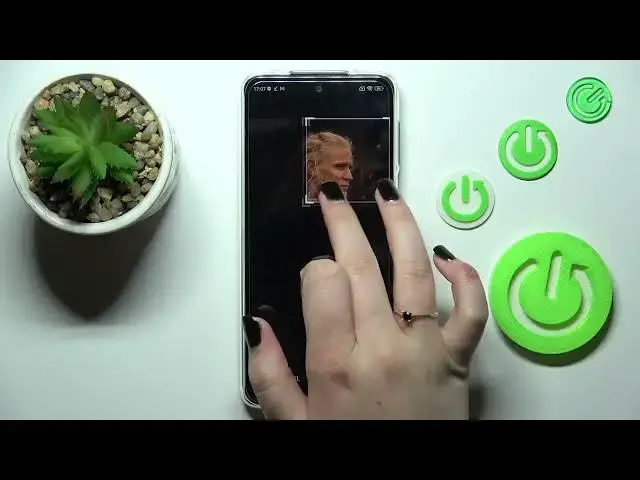

How to Add Photo to Contact in Redmi Note 10 Lite – Customize Contacts
Mar 16, 2024

Learn more info about Redmi Note 10 Lite:
https://www.hardreset.info/devices/redmi/redmi-note-10-lite/tutorials/
Would you like to customize your Redmi Note 10 Lite even more? How about adding the photo to the contacts? In this tutorial, we would like to show you how easily you can find the proper section, which will allow you to easily add the photo, and frame it, so it will look pretty! Thanks to this you'll see this photo on the contact list, or during all calls from that number! So let's follow all shown steps and successfully add a photo to the contact in your Redmi Note 10 Lite.
How to Add Profile Picture in Redmi Note 10 Lite? How to Add Picture to Contact in Redmi Note 10 Lite? How to Add Contact Picture in Redmi Note 10 Lite? How to Personalize Contacts in Redmi Note 10 Lite?
#AddPhoto #PersonalizeContact #RedmiNote10Lite
Follow us on Instagram ► https://www.instagram.com/hardreset.info
Like us on Facebook ► https://www.facebook.com/hardresetinfo/
Tweet us on Twitter ► https://twitter.com/HardResetI
Support us on TikTok ► https://www.tiktok.com/@hardreset.info
Use Reset Guides for many popular Apps ► https://www.hardreset.info/apps/apps/
Show More Show Less