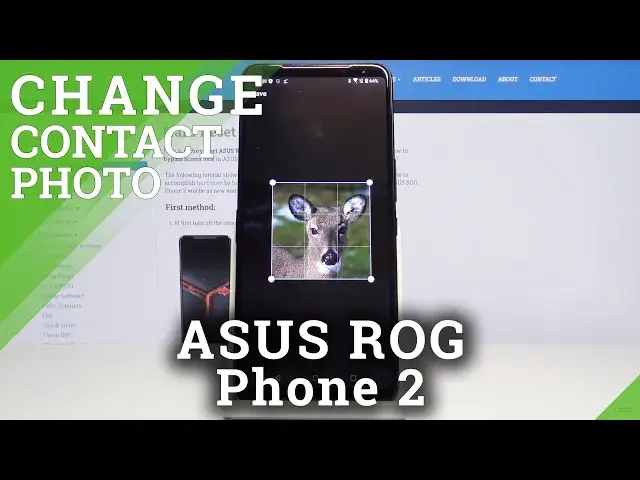

How to Add Photo to Contact in ASUS ROG Phone 2 – Personalize Contact Profile
Jul 18, 2024

Check out more info about ASUS ROG Phone 2:
https://www.hardreset.info/devices/asus/asus-rog-phone-2/
We would like to present the video instructions, where we show you how to smoothly add a photo to contact in ASUS ROG Phone 2. If you wish to personalize contacts on your Asus device, stay with us to learn how to match photos with phone contacts. Let’s follow the tutorial and add photo to specific contact in your Asus smartphone easily. Visit our HardReset.info YT channel and get for more useful tutorials to ASUS ROG Phone 2.
How to add picture to contact in ASUS ROG Phone 2? How to personalize contacts in ASUS ROG Phone 2? How to add photo to number in ASUS ROG Phone 2? How to create photo contact in ASUS ROG Phone 2? How to add picture to number in ASUS ROG Phone 2?
Follow us on Instagram ► https://www.instagram.com/hardreset.info
Like us on Facebook ► https://www.facebook.com/hardresetinfo/
Tweet us on Twitter ► https://twitter.com/HardResetI
Show More Show Less