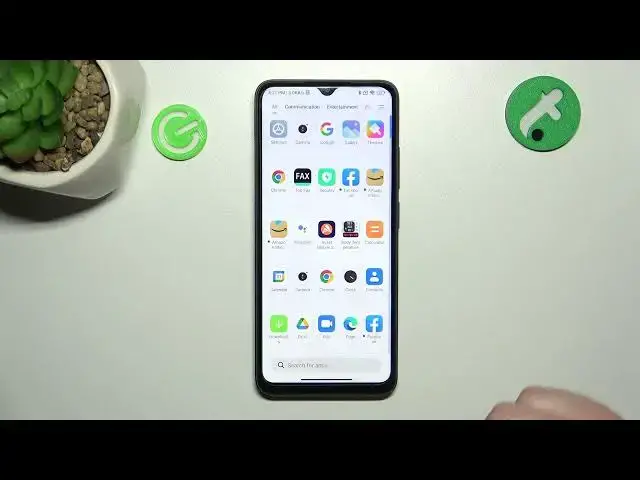

How to Add Internet Speed Indicator on Xiaomi Redmi A1+ / Show Internet Speed on Status Bar
Jul 28, 2024

You can find more tutorials for your Xiaomi Redmi A1 Plus smartphone on our website:
https://www.hardreset.info/devices/xiaomi/xiaomi-redmi-a1-plus/tutorials/
Welcome, tech enthusiasts! Are you tired of not knowing your internet connection speed on your Xiaomi Redmi A1+ smartphone? Fear not, because, in this tutorial video, we will show you how to add an Internet Speed Indicator to your status bar! With this feature, you'll be able to easily monitor your internet speed at all times. Our step-by-step guide will take you through the process of finding and enabling the show connection speed option on your POCO X5 Pro. We hope this tutorial helps you make the most out of your device! For more helpful content on the Xiaomi Redmi A1+ and other smartphones, don't forget to visit our YouTube channel at HardReset.Info.
How to show connection speed on POCO X5 Pro?
How to add an Internet Speed Indicator on POCO X5 Pro?
How to show internet data in the status bar of POCO X5 Pro?
#xiaomiredmia1plus #redmia1plus #internetspeed
Follow us on Instagram ► https://www.instagram.com/hardreset.info
Like us on Facebook ► https://www.facebook.com/hardresetinfo/
Tweet us on Twitter ► https://twitter.com/HardResetI
Support us on TikTok ► https://www.tiktok.com/@hardreset.info
Use Reset Guides for many popular Apps ► https://www.hardreset.info/apps/apps/
Show More Show Less