0:00
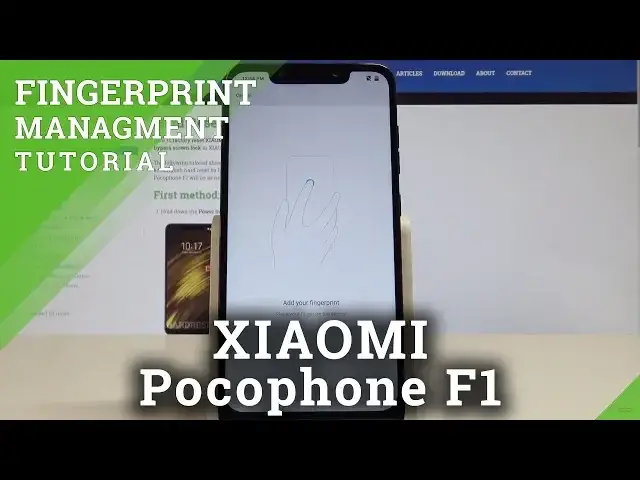
Here I have Xiaomi Pocophone F1 and let me show you how to setup the fingerprint protection
0:12
on the following device. So at the very beginning let's start by using your home screen
0:16
Here you need to find and select the settings. From the list of settings you need to scroll down in order to choose lock screen and password
0:25
Then select the fingerprint, so let's tap add fingerprint. But before you add your fingerprint you need to setup some backup method
0:33
It could be pattern, pin or password. In my case let me choose pattern
0:40
You have to read the following information, let's tap got it. And let's draw your unlock pattern
0:45
In my case it could be the following one, tap confirm so you have to input your pattern twice
0:50
And now you need to add your fingerprint. So let's place your finger on your sensor
0:55
The sensor is located right here at the back of the device. And let's simply start tapping the sensor
1:02
You have to do it a couple of times with the different part of your finger to save the
1:07
whole fingerprint. Let's just keep tapping. As you can see in my case the fingerprint is saved
1:16
So now I can tap done. I can also name this fingerprint but let me just tap done
1:21
Alright let me leave the default settings and here you can now press the power key
1:26
In order to use your device you need to enter your pattern or you may also unlock your device
1:32
by using the fingerprint. Let me show you. That's it. So everything went well
1:38
Thank you for watching. Please subscribe our channel, leave thumbs up under the video