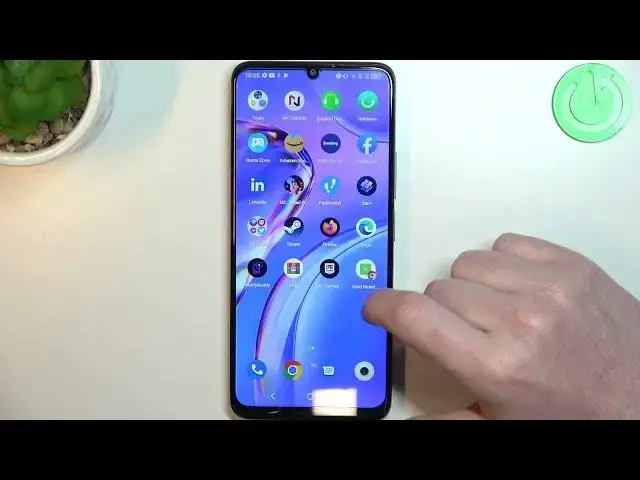

How to Add a Webpage Shortcut to the Home Screen on TCL 40 SE
Aug 2, 2024

Learn more about the TCL 40 SE: https://www.hardreset.info/devices/tcl/tcl-40-se/tutorials/
In this video tutorial, we'll show you how to create home screen shortcuts for your favorite websites on TCL 40 SE. Say goodbye to the hassle of manually typing in URLs or bookmarking sites. With this simple trick, you can easily access your most visited websites with just a tap. We'll guide you through the process of adding website shortcuts to your home screen, allowing you to stay connected and access your preferred online destinations in an instant. Whether it's news, social media, or any other website, this feature will save you time and provide convenient access. Watch this video and learn how to create website shortcuts on your TCL 40 SE today!
How to create a website shortcut on the home screen of TCL 40 SE? How to create a home screen shortcut from a webpage on TCL 40 SE? How to make a home screen icon out of a website on TCL 40 SE?
#TCL40SE #homeScreen #TCLIcon
Follow us on Instagram ► https://www.instagram.com/hardreset.info
Like us on Facebook ►
https://www.facebook.com/hardresetinfo/
Tweet us on Twitter ► https://twitter.com/HardResetI
Support us on TikTok ► https://www.tiktok.com/@hardreset.info
Use Reset Guides for many popular Apps ► https://www.hardreset.info/apps/apps/
Show More Show Less