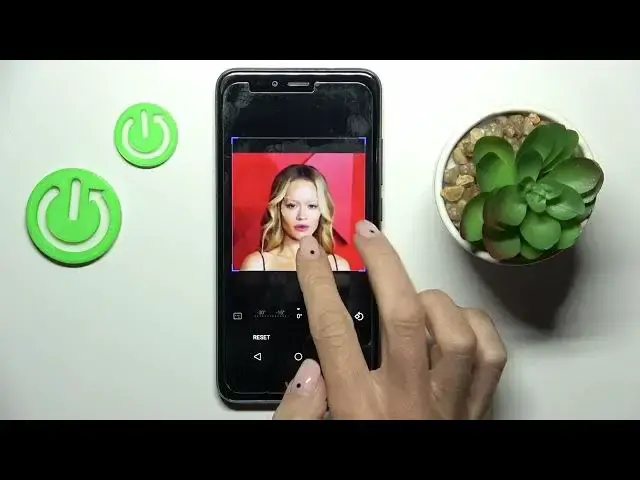

How to Add a Photo to Contact on WIKO U Pulse? - Assign Picture to Contact
Mar 16, 2024

Learn more about WIKO U Pulse
https://www.hardreset.info/devices/wiko/wiko-u-pulse/tutorials/
In this tutorial, you'll learn how to add photos to your WIKO U Pulse contacts so that they are more personal. Adding a photo to a contact not only adds a visual element but also helps identify the contact quickly. We'll walk you through the process of selecting a photo from your gallery and attaching it to a specific contact. By following our instructions, you will be able to add personalized images to your contact list.
How to add a photo from a contact on WIKO U Pulse?
How to change the photo of the contact on WIKO U Pulse?
How to attach photos to contact on WIKO U Pulse?
How to sync contact photos with WIKO U Pulse?
#WIKOUPlus #AddPhotoToContact #ContactPicture
Follow us on Instagram ► https://www.instagram.com/hardreset.info
Like us on Facebook ► https://www.facebook.com/hardresetinfo/
Tweet us on Twitter ► https://twitter.com/HardResetI
Support us on TikTok ► https://www.tiktok.com/@hardreset.info
Use Reset Guides for many popular Apps ► https://www.hardreset.info/apps/apps/
Show More Show Less