0:00
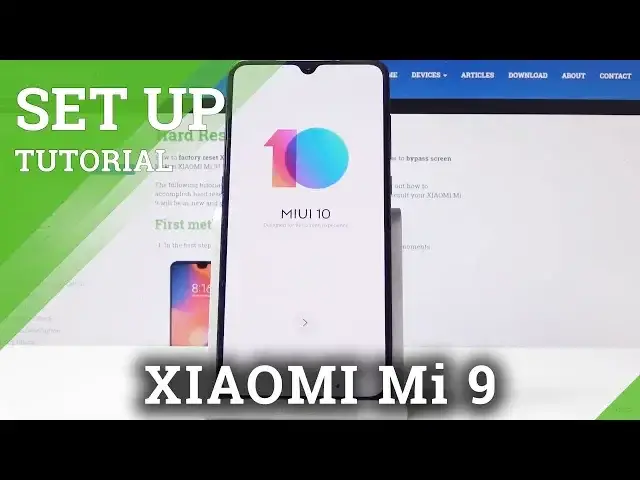
Here we've got Xiaomi Mi 9 and let me show you how to set up the following device
0:11
So let's start the whole process. At first you have to select the language and as you can see you've got a wide list of languages
0:17
here and I will leave English UK and then click on next
0:22
Now just pick the region and as previously you will definitely find something suitable
0:28
So I will pick for example Australia and then click on next
0:40
Now you can connect your device to your Wi-Fi so mine is hardwizet.info
0:46
Once it's connected click on next. And here you should come along with all terms and conditions so just click on terms of service
0:54
to read those documents. And here they are so you can do exactly the same thing with privacy policy and if you
1:06
agree with them click over here I've read and agree to terms of service and privacy
1:10
policy and tap on next. Now you can insert your SIM card if you want to but I will skip it for now
1:20
Give your device a short while to check for all updates
1:35
And now you can copy your data from your previous phone or you can skip it for now
1:39
I will don't copy skip it. You can obviously do it later
1:50
And now just log in with your Google account. If you have one you can obviously also skip it by tapping on skip but if you have it's
1:55
highly recommended. And now you can also pick some services from Google and finally give your Mi Cloud some
2:06
permissions and click on next. You can also log into your Mi account but I will skip it for now
2:13
You can also do it later. Skip. And you can set the password fingerprint
2:20
Also do it later. And if you would like to personalize some other settings simply select from those tab
2:27
And the last step is to select the DIMM. So let me pick default one
2:33
And as you can see setup is complete. Now we are ready to start using your Xiaomi
2:45
And that's it. As you can see now you can set some further settings on your device
2:49
You can use it as usually. So that is all. This is how you can setup Xiaomi Mi 9
2:54
Thank you for watching. Please subscribe our channel and leave the thumbs up