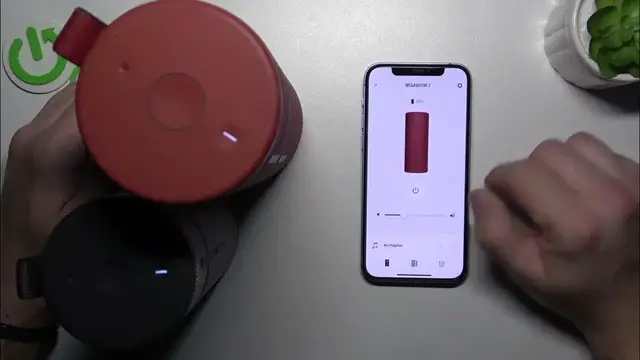

How to Activate the Party Up Feature on Your MegaBoom 3
Jan 17, 2024

Find out more: https://www.hardreset.info/devices/
Transform your gatherings with the Ultimate Ears MegaBoom 3 and its thrilling Party Up function, all explored in our latest video. This tutorial is a treasure for those looking to amplify their party atmosphere by syncing multiple MegaBoom speakers. We guide you through the exhilarating process of activating the Party Up feature, making your events unforgettable with an immersive sound experience. Learn how to effortlessly connect multiple MegaBoom 3 speakers, creating a synchronized audio setup that fills any space with dynamic, high-quality sound. Ideal for party hosts, music enthusiasts, or anyone who loves to elevate their listening experience, this video simplifies the process, allowing you to focus on enjoying the moment. Join us in discovering how the Party Up function can revolutionize your events and social gatherings. Hit like, subscribe, and ring the bell for more innovative tech tips and tricks
#MegaBoom3PartyUp
#SoundRevolution
#TechPartyTips
Questions for the Video:
How to initiate the Party Up function on the Ultimate Ears MegaBoom 3?
How to connect additional MegaBoom speakers using the Party Up feature?
How to manage multiple speakers simultaneously with MegaBoom 3's Party Up?
How to ensure seamless audio sync across all speakers in Party Up mode?
How to troubleshoot connectivity issues while using the Party Up function?
Follow us on Instagram ► https://www.instagram.com/hardreset.info
Like us on Facebook ► https://www.facebook.com/hardresetinfo/
Tweet us on Twitter ► https://twitter.com/HardResetI
Support us on TikTok ► https://www.tiktok.com/@hardreset.info
Use Reset Guides for many popular Apps ► https://www.hardreset.info/apps/apps/
Show More Show Less