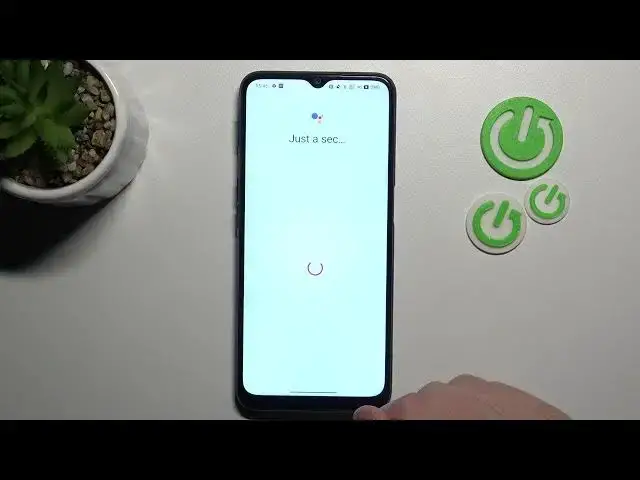

How to Activate Hey Google of Google Assistant on OPPO A16s? - Enable Hey Google
Mar 25, 2024

Learn more about OPPO A16s
https://www.hardreset.info/devices/oppo/oppo-a16s/
In this tutorial, you'll find out how to activate Google Assistant on the OPPO A16s. You'll be shown how to enter Google settings, how to activate Google Assistant from General settings, and how your assistant will respond to you from there onwards. You don't have to worry about anything because Google will be able to answer all of your questions and help you accomplish your goals by sending information to your assistant, such as your voice requests so that you won't have to worry about anything else. Check out our YouTube channel where you can watch the tutorials that our team has created for you if you wish to learn more about Google Assistant.
How to Turn On Google Assistant on OPPO A16s?
How to use Google Assistant on OPPO A16s?
How to Activate Google Assistant on OPPO Device?
How to start using Google Account on OPPO A16s?
#VoiceAssistant #HeyGoogle #OPPOA16s
Follow us on Instagram ► https://www.instagram.com/hardreset.info
Like us on Facebook ► https://www.facebook.com/hardresetinfo/
Tweet us on Twitter ► https://twitter.com/HardResetI
Support us on TikTok ► https://www.tiktok.com/@hardreset.info
Use Reset Guides for many popular Apps ► https://www.hardreset.info/apps/apps/
Show More Show Less