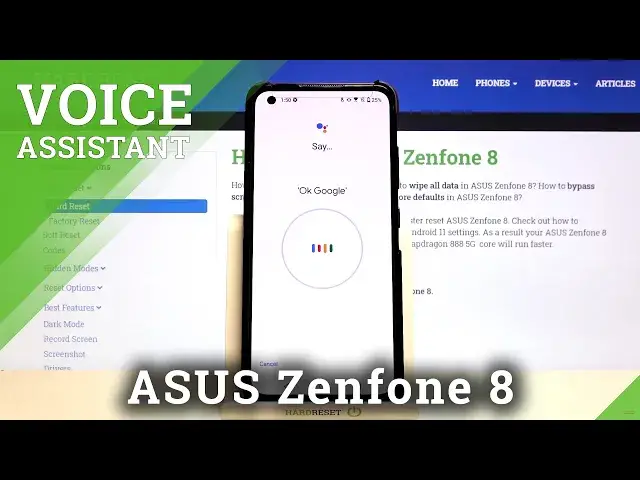

How to Activate Hey Google in ASUS Zenfone 8 – Turn On OK Google
Jul 11, 2024

Learn more info about ASUS Zenfone 8:
https://www.hardreset.info/devices/asus/asus-zenfone-8/
Would you like to start using your Google Assistant and control by your voice? Open this tutorial and find out how to turn on Hey Google. Follow our instructions, go to the Google Assistant Settings and easily turn on the Hey Google on your ASUS Zenfone 8. Go to our YouTube Channel and find more tutorials for ASUS Zenfone 8.
How to Turn on Hey Google Feature on ASUS Zenfone 8? How to Turn on Google Account on ASUS Zenfone 8? How to turn on Google Account on ASUS Zenfone 8 by saying Hey Google? How to activate Google Account on ASUS Zenfone 8? How to turn on Hey Google of Google Assistant on ASUS Zenfone 8? How to open Google Assistant Settings in ASUS Zenfone 8? How to switch on Hey Google Option of Google Assistant in ASUS Zenfone 8? How to use voice to activate Google Assistant in ASUS Zenfone 8? How to Change Hey Google Settings in ASUS Zenfone 8? How to use voice to using Google Assistant in ASUS Zenfone 8? How to use Hey Google command to activate Google Assistant in ASUS Zenfone 8? How to unlock Google Assistant with Voice March?
#ActivateHeyGoogle #OKGoogle #ASUSZenfone8
Follow us on Instagram ► https://www.instagram.com/hardreset.info
Like us on Facebook ► https://www.facebook.com/hardresetinfo/
Tweet us on Twitter ► https://twitter.com/HardResetI
Support us on TikTok ► https://www.tiktok.com/@hardreset.info
Use Reset Guides for many popular Apps ► https://www.hardreset.info/apps/apps/
Show More Show Less #Software
#Intelligent Personal Assistants