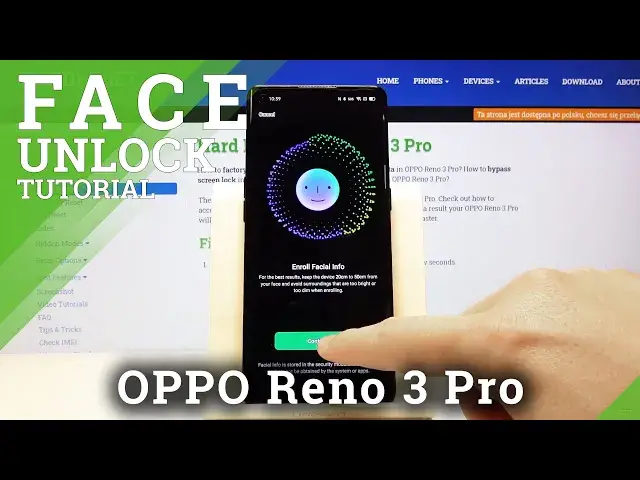

How to Activate Face Unlock in OPPO Reno 3 Pro - Set Face Recognition
May 14, 2024

Learn more info about OPPO Reno 3 Pro:
https://www.hardreset.info/pl/devices/oppo/oppo-reno-3-pro/
Watch the above video instruction and smoothly learn how to set up face recognition in Oppo Reno 3 Pro. If you want to unlock your device by using the FaceID feature in Oppo smartphone, then you should follow our few simple steps presented in the above tutorial. Find out how to enable face lock and set it as your main lock method in Oppo smartphone.
How to add face lock on OPPO Reno 3 Pro? How to use face lock on OPPO Reno 3 Pro? How to set up face recognition in OPPO Reno 3 Pro? How to set up face lock on OPPO Reno 3 Pro? How to enable face recognition on OPPO Reno 3 Pro?
Follow us on Instagram ► https://www.instagram.com/hardreset.info
Like us on Facebook ► https://www.facebook.com/hardresetinfo/
Tweet us on Twitter ► https://twitter.com/HardResetI
Show More Show Less