0:00
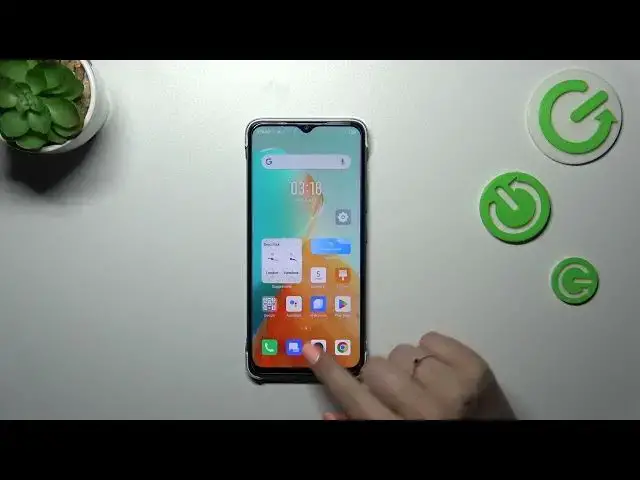
Hi everyone, in front of me I've got Infinix Smart 7 and let me share with you
0:04
how to enable the night light or eye comfort mode. So let's start with basically turning on and off this mode quickly and after that
0:18
I'll show you how to get into proper settings to customize it. So let's unroll
0:23
the top bar, we can unroll it fully to see also the names of the icons and
0:29
right here we've got the eye card. So this is the toggle, the button we are
0:33
looking for. Let's simply tap on it in order to activate the eye comfort mode
0:38
and as you can see the screen turns a little bit yellowish or amber and it is
0:42
in order to filter the blue light. What's more it will be much much easier for you
0:46
to look at the screen at the dim light. So if you're a night owl then I highly
0:50
recommend to use this mode, this option. You can turn it off the same way just by
0:55
tapping on it and in order to quickly enter the settings which are connected
0:59
with the eye comfort simply tap on this icon and hold it long enough so your
1:04
device will transfer you to the settings. But to be honest I'd like to
1:10
show you the full path of how to enter proper options. So let's start with
1:14
opening the settings and here we have to scroll in order to find display and
1:18
brightness. Now let's find the eye care option, let's tap on the switcher to turn
1:25
it on and simply tap on this option and directly in order to get into those
1:31
options. Let's start with the intensity with the usage of this switcher we can
1:35
make it cooler just by going to the left and warmer just by going to the right. We
1:41
can custom the schedule if we want to so we do not have to manually turn on and
1:45
off this option. We can simply pick the start and the end time and your device
1:50
will apply those hours and automatically turn on and off the device
1:56
and the option and we can also set it from sunset to sunrise so basically your
2:01
device will automatically decide when the sunsets and sunrises are. I believe
2:06
this option is location-based. Of course you can tap on off and you will get back
2:10
to the manual option. All right, all right. Let's go back and basically this is it
2:17
This is how to enable and how to customize the eye comfort mode
2:22
Thank you so much for watching. I hope that this video was helpful and if it
2:26
was please hit the subscribe button and leave the thumbs up