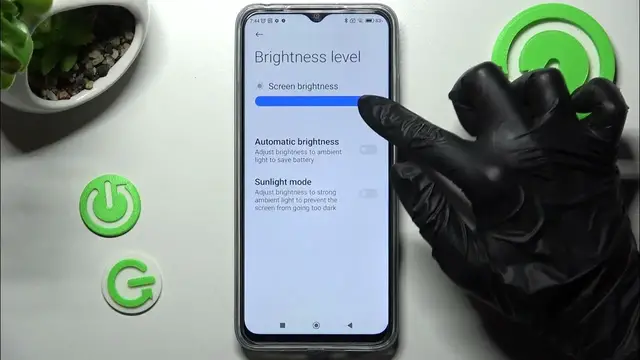

How to Activate Auto Brightness in Poco M5 - Disable Screen Adaptive Brightness
Mar 2, 2024

Find out more about POCO M5:
https://www.hardreset.info/devices/poco/poco-m5/tutorials/
If you are wondering how to turn on or off the adaptive brightness of the Poco M5 screen, then you should watch this short tutorial video. Check out the step by step way to activate or deactivate automatic screen brightness successfully on this awesome Poco device. Let’s make sure that your display will adapt to the light around you. Visit our HardReset.Info yt channel to watch more useful tutorials for many different devices.
How to Use Auto Brightness in POCO M5? How to Enable Auto Brightness in POCO M5? How to Activate Auto Brightness in POCO M5? How to Switch On Auto Brightness in POCO M5? How to Turn On Auto Brightness in POCO M5? How to Set Up Adaptive Brightness in POCO M5?
#AutoBrightness #AdaptiveBrightness #PocoM5
Follow us on Instagram ► https://www.instagram.com/hardreset.info
Like us on Facebook ► https://www.facebook.com/hardresetinfo/
Tweet us on Twitter ► https:g//twitter.com/HardResetI
Support us on TikTok ►https://tiktok.com/@hardreset.info
Use Reset Guides for many popular Apps ► https://www.hardreset.info/apps/apps/
Show More Show Less