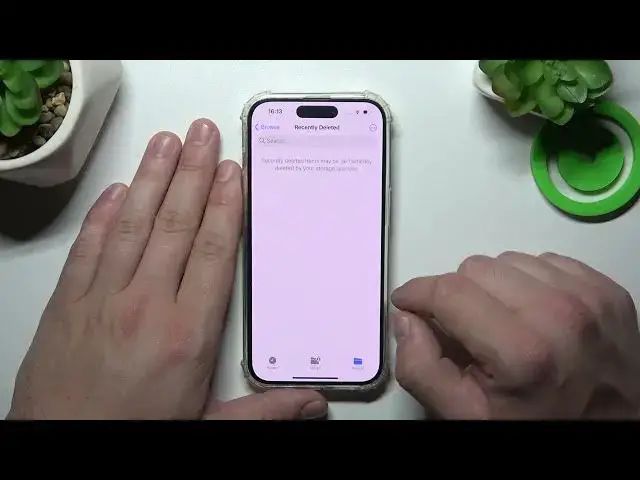

How to Access Recycled Bin on iPhone 15 Pro- Locate Erased Files
Aug 4, 2024

Check out more info about iPhone 15 Pro:
https://www.hardreset.info/devices/apple/apple-iphone-15-pro/
Welcome to this informative video, where we'll unveil the secret of the Trash Bin feature on your iPhone 15 Pro. Discover how to effortlessly locate and access the Trash Bin, where deleted files are temporarily stored before they're permanently deleted. Our step-by-step guidance will lead you to the Trash Bin, whether through the device's settings or the File Manager app. Learn how this feature can become your lifesaver, helping you recover accidentally deleted files, whether it's a cherished photo, a crucial document, or a treasured video. Watch now to unlock the hidden potential of the Trash Bin on your iPhone 15 Pro. If you find this video helpful, please show your support by liking, commenting, and subscribing for more valuable tech tips and tricks. Start exploring the hidden treasures of your iPhone 15 Pro today!
How to open the trash bin on iPhone 15 Pro? How to find the recycle bin on iPhone 15 Pro? Where do the deleted files go on a iPhone 15 Pro? How to find erased files on iPhone 15 Pro? #AccessRecycledBin #DeletedFiles #iPhone15Pro
Follow us on Instagram ► https://www.instagram.com/hardreset.info
Like us on Facebook ► https://www.facebook.com/hardresetinfo/
Tweet us on Twitter ► https://twitter.com/HardResetI
Support us on TikTok ► https://www.tiktok.com/@hardreset.info
Use Reset Guides for many popular Apps ► https://www.hardreset.info/apps/apps/
Show More Show Less