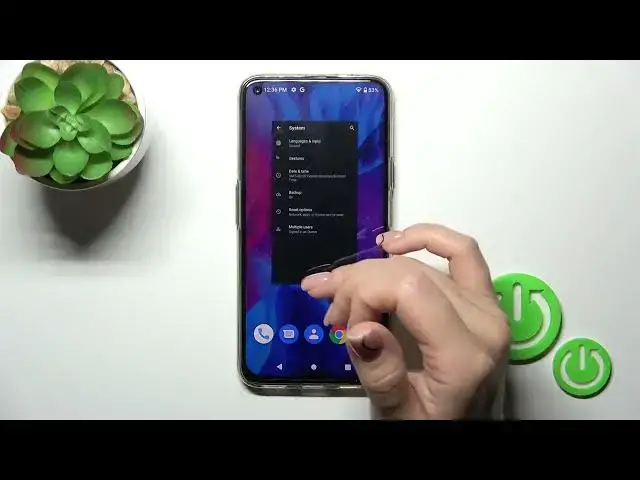

Hiding Developer Options on HAFURY GT20 | Streamline Your Device Settings
Aug 3, 2024

We invite you to visit our website and learn more about HAFURY GT20: https://www.hardreset.info/devices/hafury/hafury-gt20/tutorials/
Have you enabled Developer Options on your HAFURY GT20 but now want to hide them to simplify your device settings? In this YouTube video, we'll walk you through the process of hiding Developer Options on your HAFURY GT20. Developer Options provides advanced settings and features for Android enthusiasts, but they can clutter the settings menu for regular users. Join us as we demonstrate the step-by-step process to hide Developer Options on your HAFURY GT20, ensuring a clean and streamlined settings interface. We'll guide you through the settings menu and show you where to find the Developer Options and how to disable them. With Developer Options hidden, you can enjoy a simplified settings experience on your HAFURY GT20. Don't forget to like, subscribe, and hit the notification bell for more helpful tutorials. Let's dive into this guide and optimize your device's settings by hiding Developer Options on your HAFURY GT20!
How to hide developer options on HAFURY GT20? How to conceal developer options on HAFURY GT20? How to disable developer options on HAFURY GT20?
#HAFURYGT20 #DeveloperOptions #HAFURYSettings
Follow us on Instagram ► https://www.instagram.com/hardreset.info
Like us on Facebook ►
https://www.facebook.com/hardresetinfo/
Tweet us on Twitter ► https://twitter.com/HardResetI
Support us on TikTok ► https://www.tiktok.com/@hardreset.info
Use Reset Guides for many popular Apps ► https://www.hardreset.info/apps/apps/
Show More Show Less