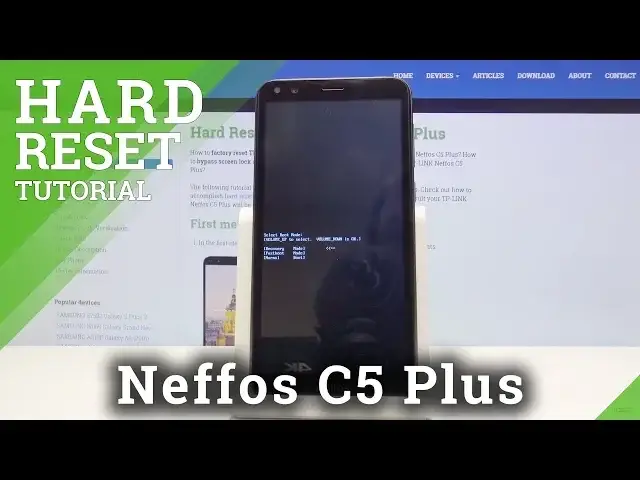

HARD RESET TP-LINK Neffos C5 Plus - Wipe Data / Bypass Screen Lock
May 22, 2024

Learn more info about TP-LINK Neffos C5 Plus: https://www.hardreset.info/devices/tp-link/tp-link-neffos-c5-plus/
Find out the best and the only way to bypass lock screen in TP-LINK Neffos C5 Plus. If you would like to erase everything that is stored on your Neffos device, then look at the presented tutorial to learn how to get access to the Android recovery mode, where you will be able to wipe data smoothly. We are presenting how to use a combination of keys to enable hidden mode, called recovery mode to restore TP-LINK Neffos C5 Plus easily.
How to hard reset TP-LINK Neffos C5 Plus? How to factory reset TP-LINK Neffos C5 Plus? How to master reset TP-LINK Neffos C5 Plus? How to restore TP-LINK Neffos C5 Plus? How to wipe data on TP-LINK Neffos C5 Plus? How to delete all data on TP-LINK Neffos C5 Plus? How to remove screen lock on TP-LINK Neffos C5 Plus? How to bypass pattern lock on TP-LINK Neffos C5 Plus? How to bypass screen lock in TP-LINK Neffos C5 Plus?
Follow us on Instagram ► https://www.instagram.com/hardreset.info
Like us on Facebook ► https://www.facebook.com/hardresetinfo/
Tweet us on Twitter ► https://twitter.com/HardResetI
Show More Show Less