Up next in 10
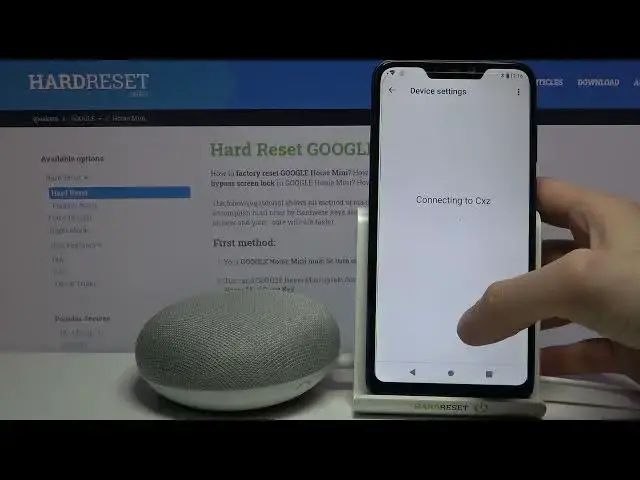
Google Home Mini Change Groups
Jul 13, 2024
Google Home Mini Change Groups
Show More Show Less
View Video Transcript0:00
Here I have Google Home Mini and today I'm going to show you how to change its
0:11
groups. So if you want to change groups on this device you have to firstly open
0:18
this Google Home app, then access your device here, tap on the gear icon to open
0:24
its settings and then you have to go to the groups section and here you can
0:32
change its groups. For example you can create new groups and here you can
0:41
select if you want to have some groups or you don't want to have
0:45
any groups. You can select like in which group it will be connected, for which it
0:49
won't be and here you can manage all of these groups settings. And that's it
0:59
Thanks for watching! If you find this tutorial useful don't forget to hit that
1:04
like button and subscribe to our Channel
#Home Office
#Home Automation

