0:00
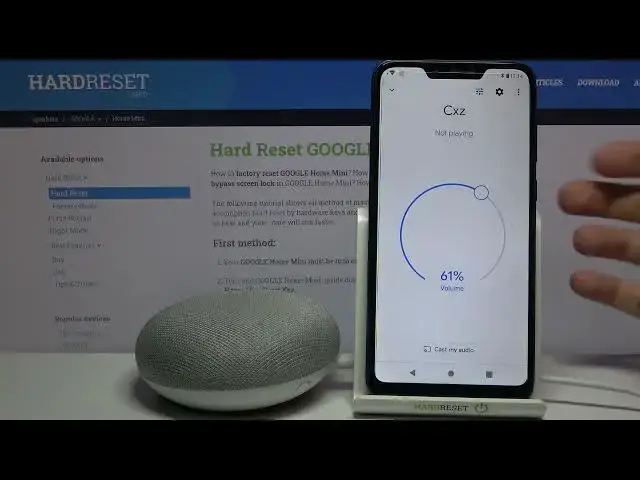
Here I have Google Home Mini and today I'm going to show you how to change its
0:11
devices room. So firstly you will have to open this Google Home app then select
0:18
your Google Home Mini device here then access its settings by tapping on the
0:23
gear icon and here you can change its room. You can set the back garden, cellar
0:29
dining room, entryway, garage and all of the other rooms here. You can also add a
0:36
custom room. Why not? And that's how you can do this. And that's it. Thanks for
0:44
watching. If you find this tutorial useful don't forget to hit that like
0:48
button and subscribe to our Channel