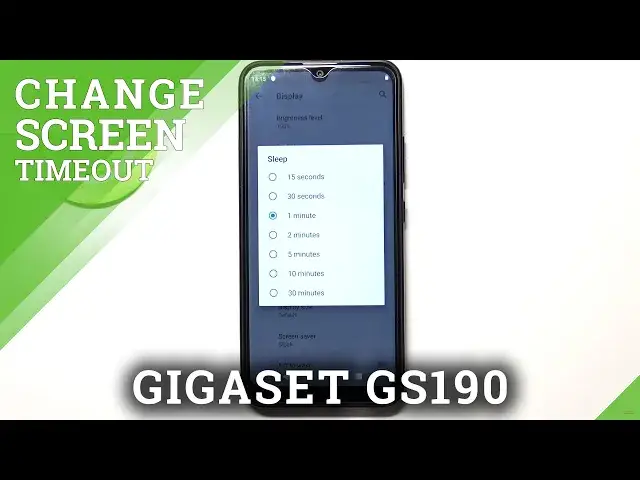

GIGASET GS190 and Display Options – Change Screen Timeout
Apr 18, 2024

Find out more about GIGASET GS190:
https://www.hardreset.info/devices/gigaset/gigaset-gs190/
Don't switch, but stay with us and you can find out how to change and correct Sleeping Mode in the Display Settings of the GIGASET GS190 gadget. Thus, you will be able to choose the time, after which your phone goes to sleep, and the screen goes blank. We try very hard to shoot high-quality videos on interesting topics. So subscribe to our channel to support us and not miss anything new!
How to change Screen Timeout in GIGASET GS190? How to turn off Screen Timeout in GIGASET GS190? How to switch off Screen Timeout in GIGASET GS190? How to manage Display Settings in GIGASET GS190? How to adjust Screen Settings in GIGASET GS190? How to choose another Screen Time in GIGASET GS190?
#ScreenTimeout #SleepScreen #GIGASETGS190
Follow us on Instagram ► https://www.instagram.com/hardreset.info
Like us on Facebook ► https://www.facebook.com/hardresetinfo/
Tweet us on Twitter ► https://twitter.com/HardResetI
Support us on TikTok ► https://www.tiktok.com/@hardreset.info
Use Reset Guides for many popular Apps ► https://www.hardreset.info/apps/apps/
Show More Show Less