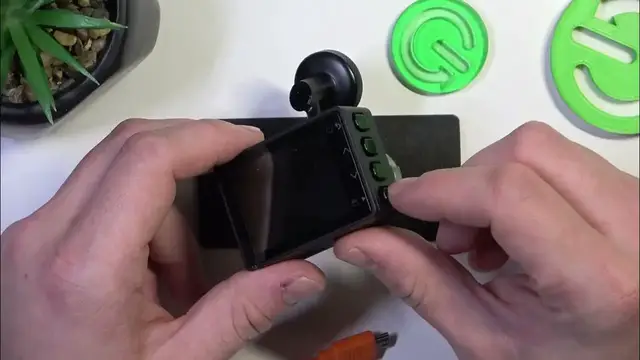

Garmin Dash Cam 57 camera preview
Jan 17, 2024

Find out more: https://www.hardreset.info/devices/
In this comprehensive video, we delve into the camera preview feature of the Garmin Dash Cam 57, a key tool for any driver looking to maximize their dash cam's potential. Whether you're a new user or looking to deepen your understanding, this guide will walk you through the ins and outs of using the camera preview to ensure optimal recording and positioning. We'll discuss how to access the feature, what you can see and adjust through it, and how to use this functionality to enhance your driving and recording experience. This tutorial is perfect for anyone who wants to get the most out of their Garmin Dash Cam 57, ensuring you're fully equipped to capture high-quality footage every time you hit the road. Don't forget to subscribe for more helpful guides and tips on your Garmin Dash Cam 57!
Hashtags:
#GarminDashCam57
#CameraPreview
#DashCamGuide
Questions for Engagement:
How to access the camera preview feature on your Garmin Dash Cam 57?
How to adjust the camera angle using the preview on the Garmin Dash Cam 57?
How does the camera preview help in ensuring the best recording quality?
How to use the camera preview to check for obstructions or blind spots?
How to troubleshoot issues with the camera preview on your Garmin Dash Cam 57?
Follow us on Instagram ► https://www.instagram.com/hardreset.info
Like us on Facebook ► https://www.facebook.com/hardresetinfo/
Tweet us on Twitter ► https://twitter.com/HardResetI
Support us on TikTok ► https://www.tiktok.com/@hardreset.info
Use Reset Guides for many popular Apps ► https://www.hardreset.info/apps/apps/
Show More Show Less