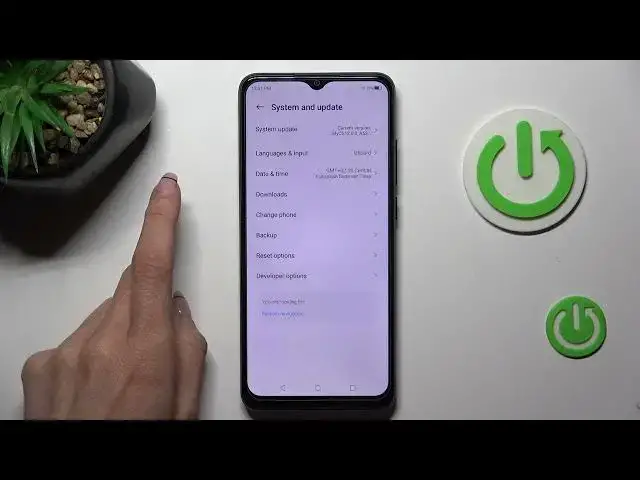

Find Developer Options - Developer Settings on ZTE Blade A53 Pro
Mar 17, 2024

Find out more info about ZTE Blade A53 Pro: https://www.hardreset.info/devices/zte/zte-blade-a53-pro/tutorials/
Do you want to unlock advanced settings and customization options on your ZTE Blade A53 Pro? No problems! Let's do it right now, after watching our video tutorial, where we show you the process of opening/finding the Developer Settings and using Developer Options. These options will grant you access to features like USB debugging, animation settings, and much more. Say goodbye to limitations and explore the hidden potential of your ZTE Blade A53 Pro!
How to Enter Developer Options on ZTE Blade A53 Pro? How to Get Access to the Developer Options on ZTE Blade A53 Pro? How to Activate Developer Options on ZTE Blade A53 Pro? How to Allow Developer Options on ZTE Blade A53 Pro?
#DeveloperOptions #DeveloperMode #ZTEBladeA53Pro
Follow us on Instagram ► https://www.instagram.com/hardreset.info
Like us on Facebook ► https://www.facebook.com/hardresetinfo/
Tweet us on Twitter ► https://twitter.com/HardResetI
Support us on TikTok ► https://www.tiktok.com/@hardreset.info
Use Reset Guides for many popular Apps ► https://www.hardreset.info/apps/apps/
Show More Show Less