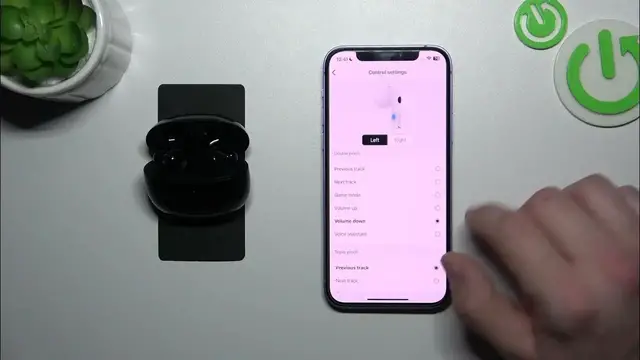

Edifier W220t - How To Manage Controls
Jan 13, 2024

Find out more: https://www.hardreset.info/
Master the art of control with your Edifier W220t headphones by exploring the various features and functionalities! This tutorial guides you through managing controls on your Edifier W220t, including playback, volume adjustment, answering calls, and more. Watch the video to discover how to effortlessly navigate and make the most of the intuitive controls for a seamless and enjoyable audio experience.
How do I manage controls on Edifier W220t?
What are the different controls available on Edifier W220t headphones?
How can I adjust the volume on Edifier W220t?
What controls are available for playback, pause, and skipping tracks on Edifier W220t?
Can I answer calls and manage phone controls with Edifier W220t?
Are there default settings for controls, and can I revert to them easily?
How do I use the touch or physical controls on Edifier W220t?
#edifier #edifierbluetoothheadphone #headphones
Follow us on Instagram ► https://www.instagram.com/hardreset.info
Like us on Facebook ► https://www.facebook.com/hardresetinfo/
Tweet us on Twitter ► https://twitter.com/HardResetI
Support us on TikTok ► https://www.tiktok.com/@hardreset.info
Use Reset Guides for many popular Apps ► https://www.hardreset.info/apps/apps/
Show More Show Less