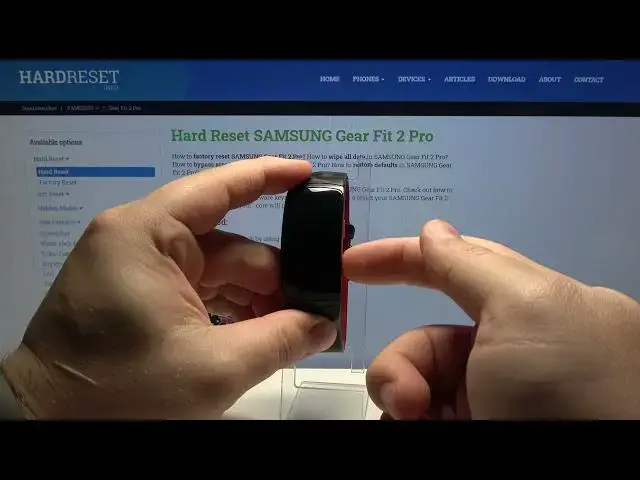

Download Mode in SAMSUNG Gear Fit 2 Pro – Flash Mode / ODIN Mode
Apr 22, 2024

Download Mode in SAMSUNG Gear Fit 2 Pro – Flash Mode / ODIN Mode
Learn more info about SAMSUNG Gear Fit 2 Pro:
https://www.hardreset.info/devices/samsung/samsung-gear-fit-2-pro/
Are you looking for a solution how to change font size and style on SAMSUNG Gear Fit 2 Pro? Wondered how to personalize fonts in SAMSUNG Gear Fit 2 Pro? We are coming with a tutorial, where you will be able to learn how to smoothly change the font size and style on SAMSUNG Gear Fit 2 Pro. If you wish to maximize the font size and set a new font style on your Samsung screen, check out the uploaded tutorial and learn how to get access to the display settings and choose the text size that suits you best. Follow the instructions and update the text size in SAMSUNG Gear Fit 2 Pro smoothly. Visit our HardReset.info YT channel and find many super useful tutorials for your SAMSUNG Gear Fit 2 Pro.
How to enter download mode in SAMSUNG Gear Fit 2 Pro? How to boot into SAMSUNG Gear Fit 2 Pro? How to open Download Mode in SAMSUNG Gear Fit 2 Pro? How to get access to download mode in SAMSUNG Gear Fit 2 Pro? How to use download mode in SAMSUNG Gear Fit 2 Pro? How to exit download mode in SAMSUNG Gear Fit 2 Pro? How to quit download mode in SAMSUNG Gear Fit 2 Pro?
#DownloadMode #FlashMode #SAMSUNGGearFit2Pro
Follow us on Instagram ► https://www.instagram.com/hardreset.info
Like us on Facebook ► https://www.facebook.com/hardresetinfo/
Tweet us on Twitter ► https://twitter.com/HardResetI
Support us on TikTok ► https://www.tiktok.com/@hardreset.info
Use Reset Guides for many popular Apps ► https://www.hardreset.info/apps/apps/
Show More Show Less