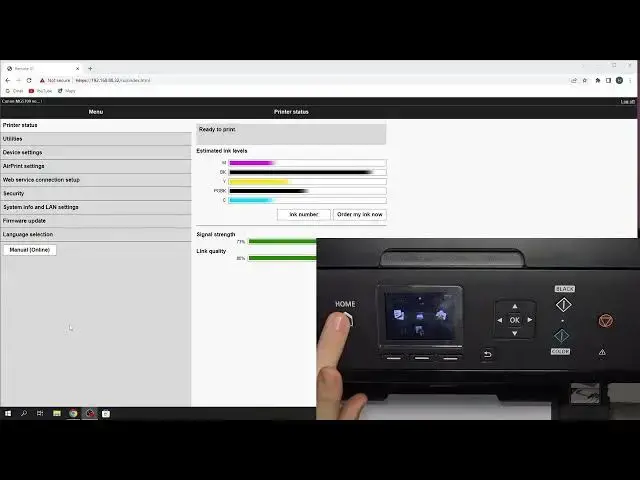

Change language using EWS on Canon MG5700 series / Change language on Canon MG5750
Jul 28, 2024

More info about your device you can find here: hardreset.info
In this tutorial, we'll provide a step-by-step guide on how to change the language of your Canon MG5700 printer using the EWS (Embedded Web Server). The video demonstrates how to access the printer's EWS and navigate to the language settings. We'll show you how to change the language to your preferred language and how to save the changes.
Changing the language of your Canon MG5700 printer is a useful feature, especially if you need to use it in a language that you're more comfortable with. With the help of this tutorial, you can easily change the language of your printer using the EWS, which is a simple and straightforward process.
If you're a new Canon MG5700 user or just need a refresher on how to change the language using EWS, this tutorial is a useful resource.
How to Change Language Using EWS on Canon MG5700?
How to Change Language Settings on Canon MG5700?
How to Switch Language on Canon MG5700 Printer?
#CanonMG5700 #LanguageChange #EWS
Follow us on Instagram ► https://www.instagram.com/hardreset.info
Like us on Facebook ► https://www.facebook.com/hardresetinfo/
Tweet us on Twitter ► https://twitter.com/HardResetI
Support us on TikTok ► https://www.tiktok.com/@hardreset.info
Use Reset Guides for many popular Apps ► https://www.hardreset.info/apps/apps/
Show More Show Less