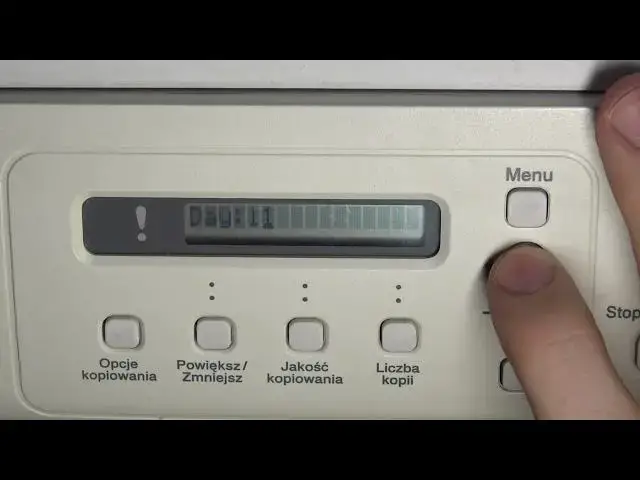

Change Date and Time on Brother DCP-100 series Printer / Change System date and time on DCP-195C
Jul 28, 2024

More info about your device you can find here: https://www.hardreset.info
In this video tutorial, we'll show you how to change the date and time settings on your Brother DCP-195C printer. Ensuring that your printer's date and time are accurate is essential for network connection. Our step-by-step guide will walk you through the process of adjusting the date and time settings on your Brother DCP-195C printer, making sure your device is up to date and accurate.
How to Change Date and Time on Brother DCP-195C Printer?
How to Adjust Date and Time Settings on Brother DCP-195C?
How to Update Date and Time for Accurate Timestamps on Brother DCP-195C Printer?
How to Set the Correct Date and Time on Brother DCP-195C Printer's Display?
How to Modify Date and Time Settings on Brother DCP-195C Printer?
#brotherdcp195c #changedateandtime #printersettings
Follow us on Instagram ► https://www.instagram.com/hardreset.info
Like us on Facebook ► https://www.facebook.com/hardresetinfo/
Tweet us on Twitter ► https://twitter.com/HardResetI
Support us on TikTok ► https://www.tiktok.com/@hardreset.info
Use Reset Guides for many popular Apps ► https://www.hardreset.info/apps/apps/
Show More Show Less