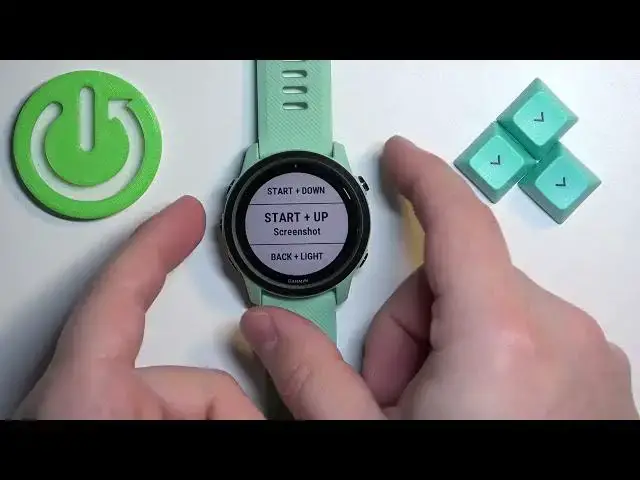

Capture Every Milestone with This Easy Garmin Forerunner 745 Screenshot Hack!
Jul 27, 2024

Find out more about GARMIN Forerunner 745: https://www.hardreset.info/devices/garmin/garmin-forerunner-745/
Hey there, and welcome back to our channel, where we help you make the most of your Garmin Forerunner 745. In this video, we'll show you how to take screenshots on your watch, whether you're trying to capture your progress or share your stats with friends. To take a screenshot of your Garmin Forerunner 745, press and hold the button on the right side of the watch face. While holding down the button, also press the button on the left side of the watch face. You'll hear a "click" sound and the screen will flash briefly to indicate that the screenshot has been taken.
How to capture a screenshot on a GARMIN Forerunner 745?
How to get a screenshot of the Garmin Forerunner 745?
#garmin #forerunner745 #screenshot
Follow us on Instagram ► https://www.instagram.com/hardreset.info
Like us on Facebook ► https://www.facebook.com/hardresetinfo/
Tweet us on Twitter ► https://twitter.com/HardResetI
Support us on TikTok ► https://www.tiktok.com/@hardreset.info
Use Reset Guides for many popular Apps ► https://www.hardreset.info/apps/apps/
Show More Show Less #Software Utilities