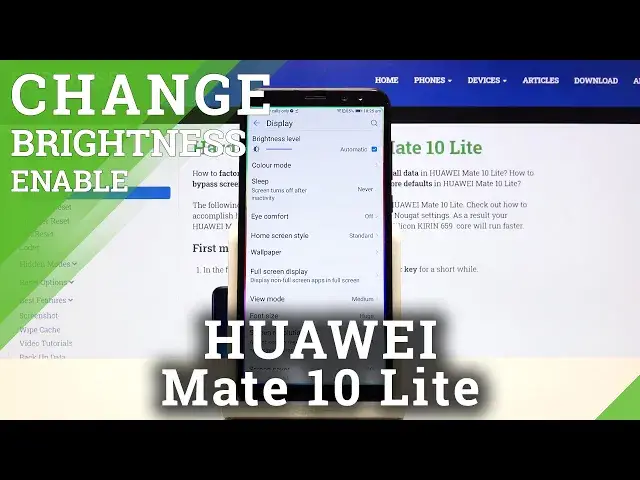

Brightness Settings - HUAWEI Mate 10 Lite & Auto-Brightness Option
Apr 29, 2024

Learn more info about HUAWEI Mate 10 Lite: https://www.hardreset.info/devices/huawei/huawei-mate-10-lite/
Frequent usage of a phone with a too-bright screen is incredibly damaging to your eyesight. Take care of your health and make sure that the brightness of your display matches the surrounding light. The best way to do this - by turning on the Auto-Brightness function after watching our new video above. Thank you for recommending our channel to others - for us, this is the best thanks!
How to Enable Adaptive Brightness in HUAWEI Mate 10 Lite? How to Activate Adaptive Brightness in HUAWEI Mate 10 Lite? How to Turn On Automatic Brightness in HUAWEI Mate 10 Lite? How to Turn Off Automatic Brightness in HUAWEI Mate 10 Lite? How to Adjust Brightness in HUAWEI Mate 10 Lite? How to Use Auto-Brightness in HUAWEI Mate 10 Lite?
Follow us on Instagram ► https://www.instagram.com/hardreset.info/
Like us on Facebook ► https://www.facebook.com/hardresetinfo/
Tweet us on Twitter ► https://twitter.com/HardresetI/
Show More Show Less