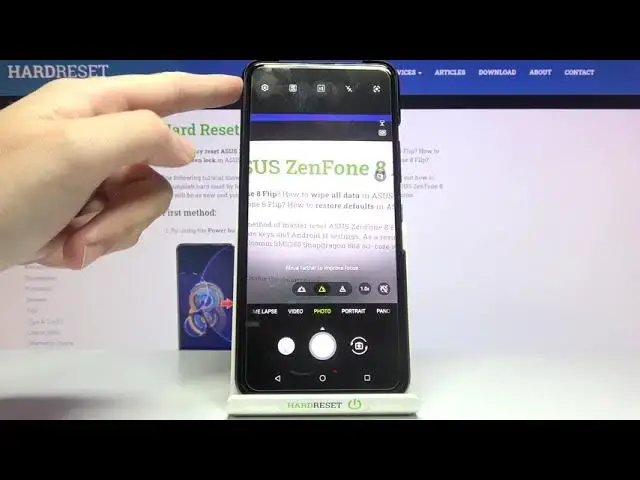

ASUS ZenFone 8 Flip Allow Camera to Scan QR Codes – Camera Settings
Apr 15, 2024

Check out more info about ASUS ZenFone 8 Flip: https://www.hardreset.info/devices/asus/asus-zenfone-8-flip/
Hi! Small images with black squares on a white background are found literally everywhere today. The widespread distribution of QR codes no longer surprises anyone, while many don’t understand how to use the technology, what is its convenience, and what opportunities open up to the user. So, did you know that you don't need an additional app to scan QR codes on your ASUS ZenFone 8 Flip? If you want to scan QR codes successfully, you need to open the camera settings and allow the camera to scan QR codes. Follow our instructions and let the camera scan QR codes successfully. Discover more camera features in ASUS ZenFone 8 Flip - go to our YouTube channel and watch tutorials created by our Experts.
How to activate QR Codes Scanner in ASUS ZenFone 8 Flip?
How do I scan QR codes with ASUS ZenFone 8 Flip?
How do I scan a QR code with my phone?
#QRScanner #QRCodeReader #ASUSZenFone8Flip
Follow us on Instagram ► https://www.instagram.com/hardreset.info
Like us on Facebook ► https://www.facebook.com/hardresetinfo/
Tweet us on Twitter ► https://twitter.com/HardResetI
Support us on TikTok ► https://www.tiktok.com/@hardreset.info
Use Reset Guides for many popular Apps ► https://www.hardreset.info/apps/apps/
Show More Show Less