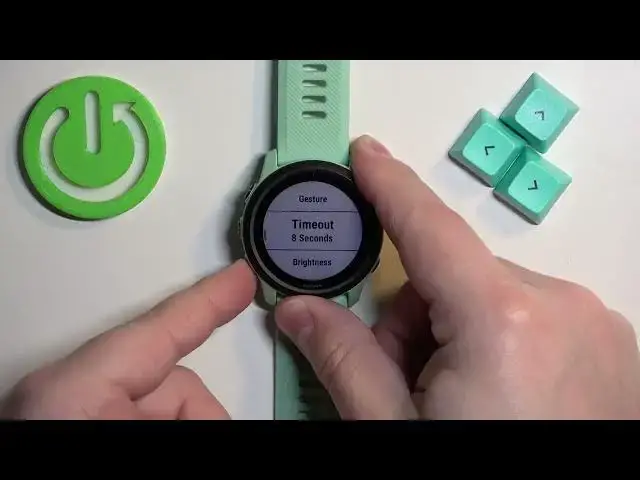

Are You Tired of Struggling with Your Garmin Forerunner 745 Backlight? Here's the Fix!
Jul 27, 2024

Find out more about GARMIN Forerunner 745: https://www.hardreset.info/devices/garmin/garmin-forerunner-745/
Welcome back to our channel where we provide you with helpful tech tutorials and reviews. Today we'll be showing you how to adjust the backlight brightness on your Garmin Forerunner 745 smartwatch. To adjust the backlight brightness on your Garmin Forerunner 745, you first need to turn on the watch by pressing the power button. Once it's on, swipe up from the bottom of the screen to access the settings menu. From there, select the "System" option and then choose "Display".
How to adjust the backlight brightness on a GARMIN Forerunner 745?
How to improve Garmin Forerunner 745 display readability?
#garminconnect #garminforerunner745 #garmin
Follow us on Instagram ► https://www.instagram.com/hardreset.info
Like us on Facebook ► https://www.facebook.com/hardresetinfo/
Tweet us on Twitter ► https://twitter.com/HardResetI
Support us on TikTok ► https://www.tiktok.com/@hardreset.info
Use Reset Guides for many popular Apps ► https://www.hardreset.info/apps/apps/
Show More Show Less #Computers & Electronics