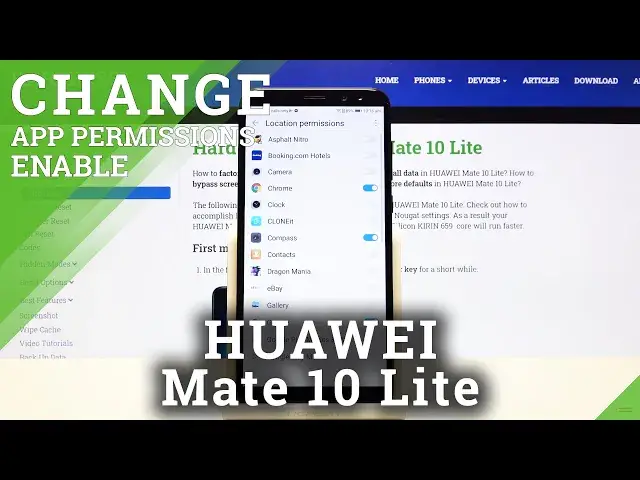

Apps Permissions – Manage App Customizations on HUAWEI Mate 10 Lite
Apr 29, 2024

Learn more info about HUAWEI Mate 10 Lite: https://www.hardreset.info/devices/huawei/huawei-mate-10-lite/
After downloading a new application, it's better to immediately adjust some of its permissions. As they can often be inconsistent and unacceptable to you (for example access to the Gallery, Voice Messages, Camera and other personal data). How to correct the Apps Permissions List - we'll teach you in the video above. We're sure that this tutorial will be simple and understandable for you and help a lot - if so, leave a comment below.
How to manage App Permissions in HUAWEI Mate 10 Lite? How to set App Permissions in HUAWEI Mate 10 Lite? How to set up App permissions in HUAWEI Mate 10 Lite? How to disable App Permissions in HUAWEI Mate 10 Lite? How to enable App Permissions in HUAWEI Mate 10 Lite? How to Manage Apps Settings in HUAWEI Mate 10 Lite? How to Change Apps Settings in HUAWEI Mate 10 Lite?
Follow us on Instagram ► https://www.instagram.com/hardreset.info/
Like us on Facebook ► https://www.facebook.com/hardresetinfo/
Tweet us on Twitter ► https://twitter.com/HardresetI/
Show More Show Less