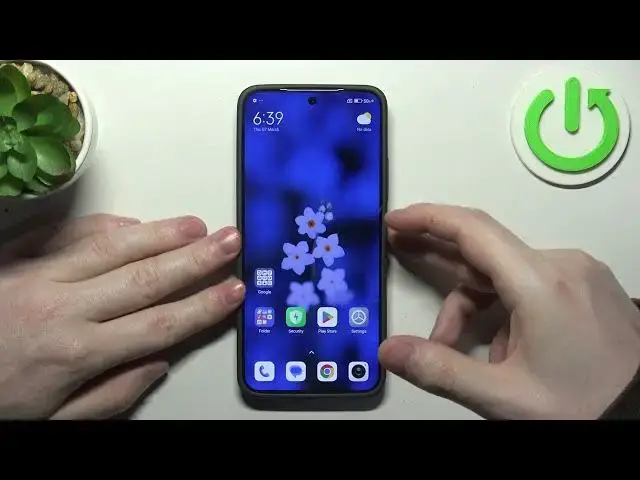

All Gestures & Motions on XIAOMI 14
Aug 10, 2024

Find out more: https://www.hardreset.info/devices/xiaomi/xiaomi-14/tutorials/
This comprehensive tutorial serves as a guide for XIAOMI 14 users to explore and utilize all available gestures and motions features on their device. Gestures and motions offer intuitive ways to interact with your smartphone, providing shortcuts, convenience, and enhanced functionality. Whether you're navigating the user interface, capturing screenshots, or silencing incoming calls, mastering these gestures and motions can greatly improve your user experience with the XIAOMI 14. Follow along with this tutorial to discover and learn how to effectively use all gestures and motions available on your XIAOMI 14, unlocking a new level of efficiency and convenience.
What are gestures and motions, and why are they useful on my XIAOMI 14 smartphone?
How do I access and enable gestures and motions settings on my XIAOMI 14?
Can I customize gestures and motions to suit my preferences and usage habits?
What are some of the most commonly used gestures and motions on the XIAOMI 14, and how do I use them?
Are there any advanced or lesser-known gestures and motions features available on the XIAOMI 14?
#Gestures #Motions #XIAOMI14
Follow us on Instagram ► https://www.instagram.com/hardreset.info
Like us on Facebook ► https://www.facebook.com/hardresetinfo/
Tweet us on Twitter ► https://twitter.com/HardResetI
Support us on TikTok ► https://www.tiktok.com/@hardreset.info
Use Reset Guides for many popular Apps ► https://www.hardreset.info/apps/apps/
Show More Show Less