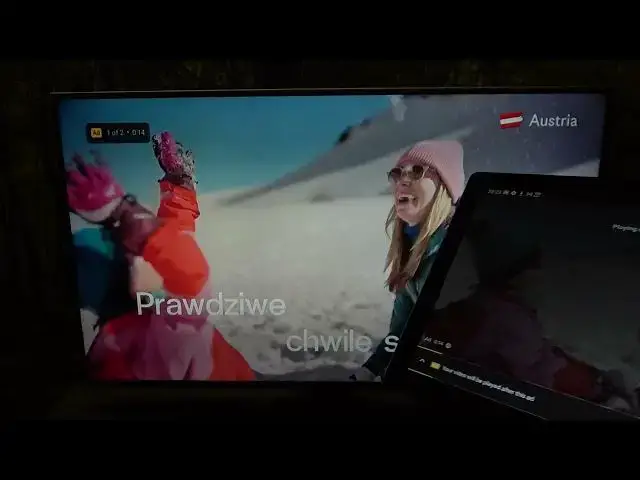

Alcatel 3T 10 4g - How To Screen Cast Via YouTube
Jul 25, 2024

Check more info about Alcatel 3T 10 4G : https://www.hardreset.info/devices/alcatel/alcatel-3t-10-4g/tutorials/
To screen cast via YouTube on the Alcatel 3T 10, follow these steps:
Connect your device and TV to the same WiFi Network and follow the instructions to set it up.
Open the YouTube app on the Alcatel 3T 10 tablet.
Tap the "Cast" icon in the top-right corner of the app. This will display a list of available casting devices.
Select the TV screen device you want to use from the list.
Select a video to watch on YouTube. The video will begin playing on the TV or display.
To stop the screen cast, tap the "Cast" icon again and select "Stop casting" from the menu.
I hope this helps! Let me know if you have any other questions.
How to cast YouTube on Alcatel 3T 10 4G ?
How to share YouTube video on tv from Alcatel 3T 10 4G ?
Can i cast YouTube video to TV on Alcatel 3T 10 4G ?
Show More Show Less