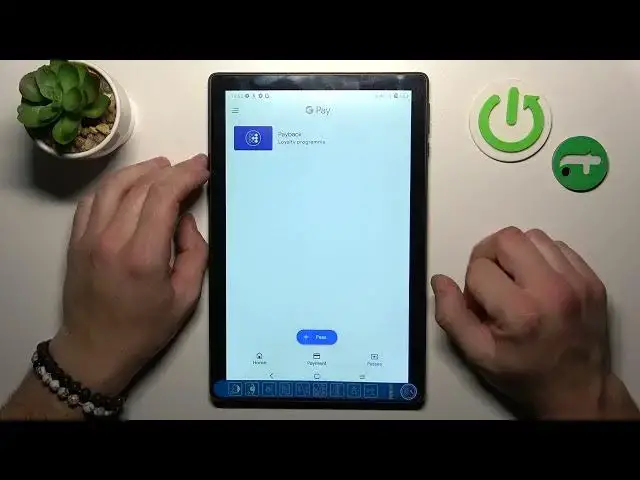

Alcatel 3t 10 4G - How To Manage Google Pay
Jul 25, 2024

Check more info about Alcatel 3T 10 4G : https://www.hardreset.info/devices/alcatel/alcatel-3t-10-4g/tutorials/
To manage Google Pay on an Alcatel 3T 10 tablet, you will need to have the Google Pay app installed on the device. Google Pay is a digital wallet and online payment system that allows you to make payments, store loyalty cards, and access offers with your phone.
To set up and manage Google Pay on the Alcatel 3T 10, follow these steps:
Open the Google Play Store app on the tablet and search for "Google Pay."
Select the Google Pay app from the search results and tap "Install."
Open the Google Pay app once it has finished installing.
Follow the on-screen instructions to set up Google Pay. This may involve signing in with your Google account and adding a payment method, such as a credit or debit card.
To add a payment method, tap the "+" icon in the app and follow the instructions to enter your payment information.
To make a payment with Google Pay, open the app and select the payment method you want to use. Then, tap "Pay" and follow the instructions to complete the payment.
To manage your Google Pay account, tap the three horizontal lines in the upper-left corner of the app to access the menu. From the menu, you can view your transaction history, add or remove payment methods, and access other account settings.
Show More Show Less #Audio Equipment
#Mobile Payments & Digital Wallets