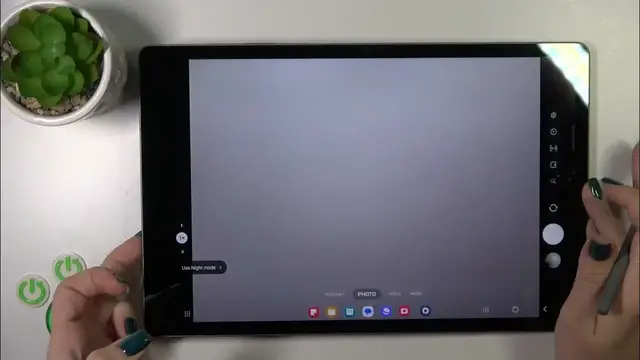

Activate Quick Launch with Double Tap Power Key on Samsung Galaxy Tab S9 FE+
Jan 19, 2024

Find out more : https://www.hardreset.info/devices/samsung/samsung-galaxy-tab-s9-fe/tutorials/
Learn how to supercharge your tablet's functionality by activating Quick Launch with a double-tap of the power key on the Samsung Galaxy Tab S9 FE+. This tutorial in MP4 format provides visual guidance on setting up this convenient feature for faster access to your favorite apps and actions.
How to activate Quick Launch with a double-tap of the power key on Samsung Galaxy Tab S9 FE+?
What is Quick Launch, and why is it a useful feature on the tablet?
Can I customize the apps and actions triggered by Quick Launch?
Is it possible to disable Quick Launch if I no longer want to use it?
How do I ensure that Quick Launch works smoothly and efficiently on my tablet?
Are there any limitations or common issues associated with Quick Launch?
What other gestures or shortcuts can I set up for quicker access on the Samsung Galaxy Tab S9 FE+?
#samsungglaxy #samsungglaxytab #samsungtab
Follow us on Instagram ► https://www.instagram.com/hardreset.info
Like us on Facebook ► https://www.facebook.com/hardresetinfo/
Tweet us on Twitter ► https://twitter.com/HardResetI
Support us on TikTok ► https://www.tiktok.com/@hardreset.info
Use Reset Guides for many popular Apps ► https://www.hardreset.info/apps/apps/
Show More Show Less